


Mixed-SKU Kitchenware Order Planning: A Line-by-Line Handoff for Retail Buyers

A mixed-SKU kitchenware order is easiest to release when every line points to one agreed product version, one quantity basis and one carton plan. The practical task is not simply to put several product names on one purchase order. It is to reconcile the approved item, retail pack, case pack and shipment reference for each SKU, then stop release when any one of those records disagrees.
This workflow is for a retail buyer who has already selected products and is turning that selection into a controlled order handoff. It does not establish whether a supplier accepts a particular combination, minimum, mixed carton or combined shipment. Confirm those commercial and shipping terms for the specific order before committing.
Start with one controlled order version
Give the order a unique reference, revision and owner. Keep the purchase order, line schedule, artwork or packaging approvals, sample records and supplier confirmation tied to that reference. If a buyer changes a color, retail pack, assortment count or destination after approval, record the change as a new revision and identify which lines it affects.
Avoid relying on a product name alone. Similar names can hide differences in handle material, piece count, finish, package format or version. Use the supplier’s SKU or item code together with a dated reference image, drawing, specification or approved sample record. State the version that controls the order and how any approved change will be recorded.
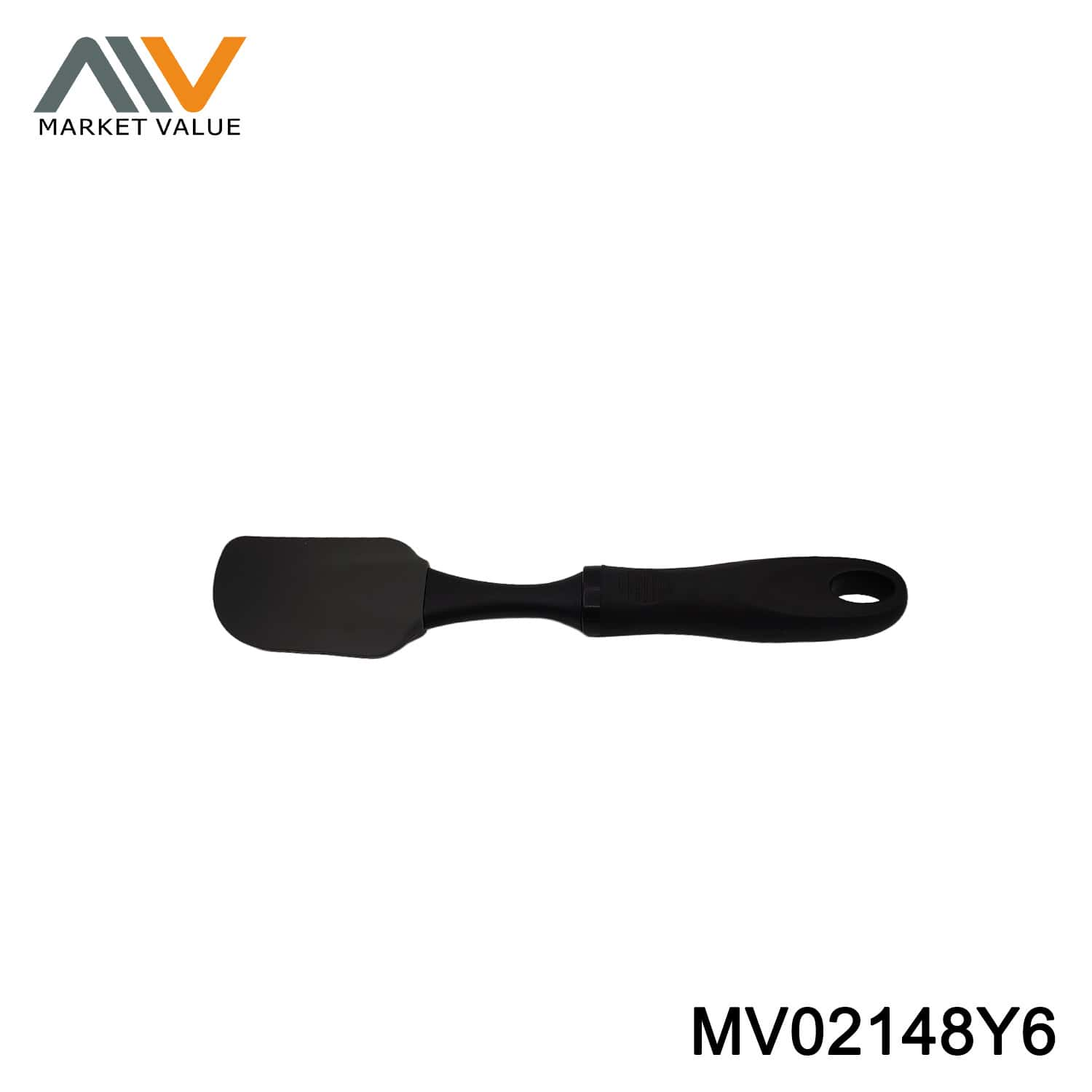
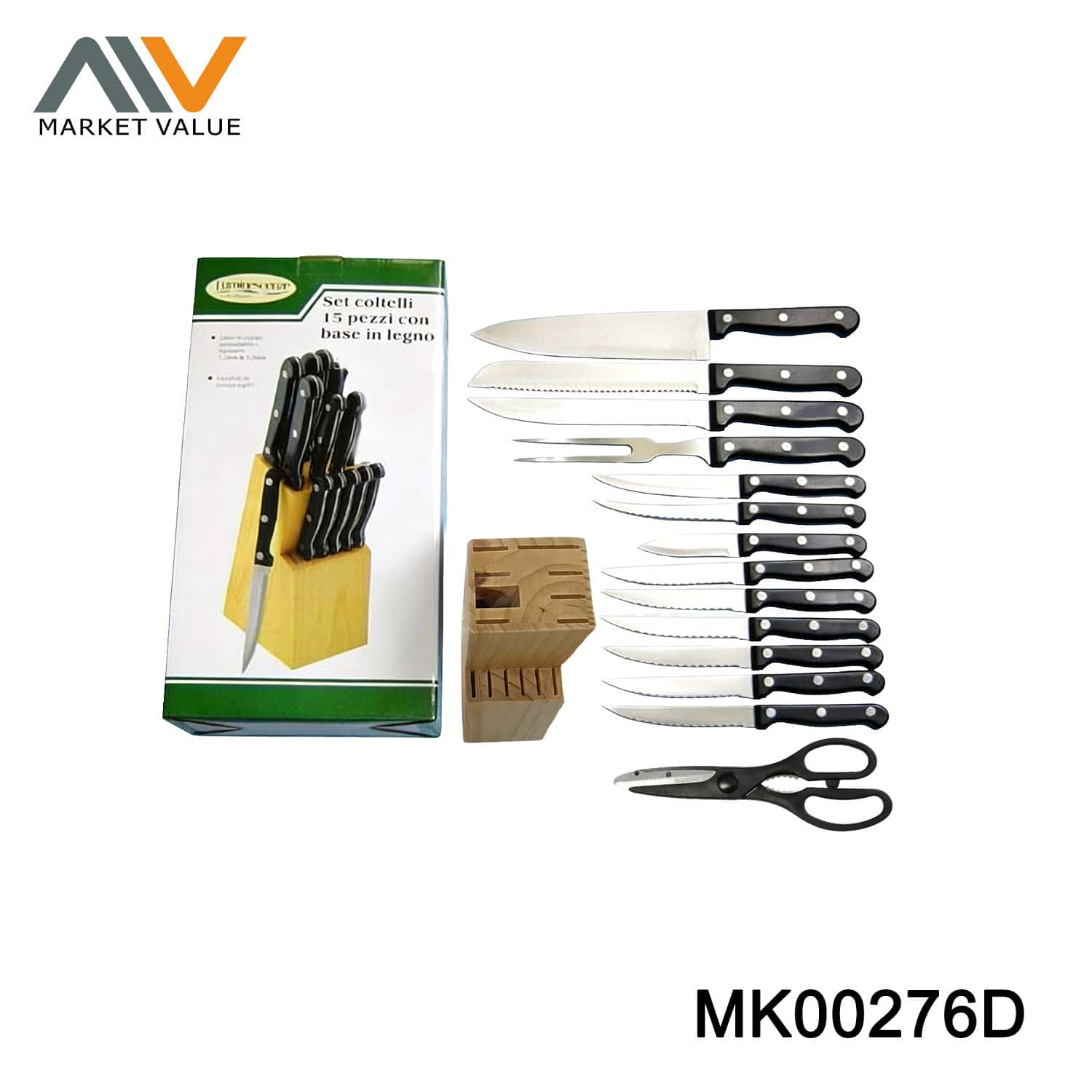
For example, Marketvalue’s public catalog lists a Silicone Spatula With TPR Handle, SKU MV02148Y6, a 15PCS Knife Set Pine Wooden Block in Box, SKU MK00276D, and a Foldable PP and TPR Colander With Handle, SKU MV01060J8. These are examples from three product categories, not confirmation that they can be combined on one order or shipment. The listing names are a useful starting reference; a buyer should still approve the exact offered version and packaging for the order.
Build the order schedule line by line
Keep one line per sellable SKU and variant. Do not combine different colors, pack counts or revisions into a generic product line. Use this compact field guide to build the order schedule. Fill in confirmed values with the supplier and buyer; a blank or disputed field is an open item, not an invitation to estimate.
| Field | What to record |
|---|---|
| PO line and supplier SKU | One line number and exact supplier item code for each sellable variant. |
| Buyer item or GTIN | Buyer-assigned identifier, when applicable; identify who supplies the code. |
| Product version | Exact variant and approved sample or specification ID and date. |
| Order quantity | Number and unit, such as pieces or retail sets; state the agreed unit. |
| Pack and label | Retail pack type, language, artwork revision and approval date. |
| Case pack | Confirmed units per inner pack and per master carton, if applicable. |
| Carton calculation | Planned carton count and disposition of any balance or partial carton. |
| Carton map and marks | Carton identifier, contents by SKU and quantity, plus approved mark or label ID. |
| Open item and owner | Unresolved question, responsible person and due date. |
| Release decision | Reconciled order revision, approvers and any agreed partial-release scope. |
Example lines using live catalog products:
- PO line 001: SKU MV02148Y6, silicone spatula with TPR handle; confirm the offered handle version, approved sample reference, quantity unit, pack revision and case pack.
- PO line 002: SKU MK00276D, 15-piece knife set with pine wooden block in box; confirm the included set version, approved sample reference, quantity unit, box revision and carton plan.
- PO line 003: SKU MV01060J8, foldable PP and TPR colander with handle; confirm the offered color/version, approved sample reference, quantity unit, pack revision and carton plan.
For each example, enter actual quantities, carton counts, marks, owners and dates only after the buyer and supplier confirm them. Keep these records keyed to the PO line and SKU, including any carton-by-carton contents map.
The public product records identify the examples above by SKU and title. They are not a substitute for a current quotation, the buyer’s order confirmation or an approved sample. Do not copy public price, minimum, carton quantity or volume figures into a new order without checking the supplier’s current written offer and the buyer’s own required basis. In particular, make every quantity unit explicit: pieces, retail sets, inner packs and master cartons are not interchangeable.
Resolve the quantity math before approval
For each line, agree on the ordered unit, units per inner pack, inners per master carton if applicable, and the resulting number of cartons. Record whether a balance is permitted, requires a partial carton, or needs a separate instruction. Ask the supplier to confirm the arithmetic against the order quantity. Do not infer a case pack from a product photo, a previous order or another SKU in the same category.
If the confirmed quantity does not divide evenly by the confirmed case pack, keep the line open until buyer and supplier agree how to handle the remainder. Record that decision in the order revision. This prevents a partial balance from disappearing between the purchase order and packing list.
Map each SKU to its pack and carton identity
The retail pack and the export or master carton serve different jobs. The retail pack identifies the sellable version presented to a customer. The master-carton plan tells the receiving team what is inside each shipping unit. For each SKU, agree whether cartons are single-SKU or contain multiple SKUs. If mixed cartons are being considered, confirm that the supplier and buyer accept the exact contents, quantities, carton limits, labeling and receiving method; do not assume mixed packing is available.
Create a carton map that connects each carton identifier to its contents. For a single-SKU carton, record “PO {PO reference}, carton {carton number} of {total cartons}, SKU {supplier SKU}, {quantity and unit}.” These are placeholders, not product or case-pack specifications. For mixed contents, list every SKU and quantity in that carton on the approved packing record and make the outside mark consistent with the buyer’s receiving requirements.
If the buyer uses GTINs or GS1 logistics labels, provide the correct assigned identifiers and artwork for the relevant trade item or case level. GS1 explains that a GTIN uniquely identifies a trade item and that GS1-128 can carry GS1 identification keys beyond the GTIN. The buyer should specify which identifiers are required at item and case level; a supplier should not invent or reuse the buyer’s codes. See GS1 US: What is a GS1-128 barcode?. For consumer-facing barcodes, follow the buyer’s channel requirements and GS1’s barcode placement and printing guidance; print quality, placement and quiet zones affect scan reliability.
Keep samples and artwork tied to the line
A sample approval only controls the version identified in that approval. Link each product line to its own sample or specification record, with the date, version, visible differences and approval owner. For a set, capture the included pieces and arrangement. For a utensil, capture the agreed head and handle. For a collapsible item, capture the relevant open and folded form if both affect the pack or display. These notes help the order team compare like with like without treating one sample as approval for unrelated products.
Link each retail-pack file to its SKU, language, revision and approval date. Mark obsolete artwork clearly in the buyer’s file system and identify the revision authorized for production. If a label, insert, barcode or carton mark changes, record who approved it and whether the order schedule, carton map and supplier confirmation were updated. A filename such as final-new is not a reliable revision control method.

Use a release gate before shipment planning
Before the order moves to shipment booking or final documents, buyer and supplier should reconcile the same revision of the order schedule. Confirm these points for every line:
- The supplier SKU, buyer item number and approved version point to the same product.
- The order quantity and its unit are clear, and any balance or partial carton has a written disposition.
- The retail pack and label artwork refer to the current approved revision.
- The case pack, carton count and carton contents match the agreed quantity math.
- The carton map, outer marks, barcode or logistics-label instructions match the buyer’s receiving requirements.
- Any open question has a named owner and a due date; unresolved differences remain visible.
Then compare the schedule with the supplier’s order confirmation and the draft packing list. Record the checked revision, date and approvers. If a SKU, quantity, package version or carton content differs, pause that line and correct the documents before release. If the buyer needs all lines to move together, hold the order-level release until the exception is resolved; if partial release is allowed, document which lines are included and what remains open.
This is a document-control handoff. It does not replace the buyer’s separate product inspection, destination-market compliance review, freight booking or supplier-specific production agreement. It helps those teams work from one consistent set of SKU-level instructions.
Related steps have their own checklists: use the kitchenware packaging brief for package specifications, the sample approval checklist to approve a product reference, and the pre-shipment inspection checklist for inspection planning. This article connects selected products to one multi-line order handoff; those guides cover their adjacent stages.
Frequently asked questions
Is a mixed-SKU order the same as a mixed carton?
No. A mixed-SKU order has more than one SKU across its order lines. It may still use separate single-SKU cartons. A mixed carton contains more than one SKU inside an individual carton, so its contents and outer mark need a separate, agreed carton map.
Should quantity be entered as pieces or retail sets?
Use the unit confirmed for that specific SKU and state it in the order line. A retail set can contain several pieces, while the case pack may count retail sets or individual units. Ask the supplier to confirm the conversion and carton calculation; do not treat the units as interchangeable.
What if one SKU still has an open issue?
Keep the issue visible and pause that line until buyer and supplier resolve it. Whether the other lines can move ahead depends on their written agreement about partial release, shipment scope and updated documents. If the buyer requires one coordinated release, hold the entire order until the issue is closed.
When requesting a quote, send the line schedule with product links or reference images, requested quantities and the pack or label requirements you already know. Ask the supplier to confirm the exact SKU-level offer and carton assumptions in writing. Request a Wholesale Quote.
Sources and Further Reading
- GS1: Global Trade Item Number (GTIN) — explains the GTIN as a GS1 identification key for trade items.
- GS1 US: What is a GS1-128 barcode? — explains use of GS1 identification keys in GS1-128 and gives a shipping-label example.
- GS1 US: Barcode Placement & Printing Guidelines — guidance on barcode artwork, color, placement and size.
- C.H. Robinson: A buyer’s guide to buyer’s consolidation — background on buyer’s consolidation as a logistics option. Availability and suitability depend on the parties and shipment; this article makes no consolidation promise.